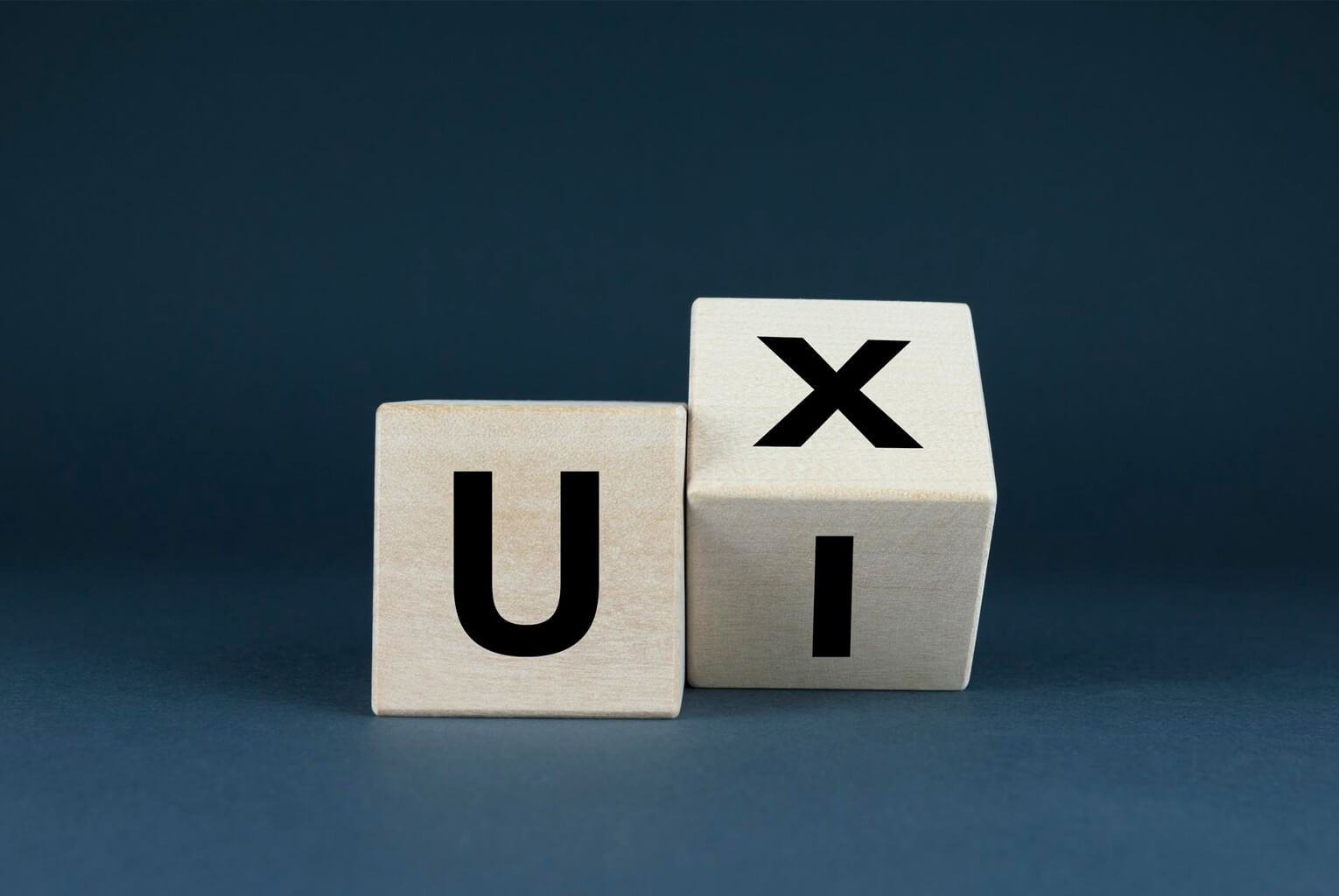
Quick Summary: User experience design is the structure of how a product works — including all of the logic behind it and user flows — while user interface is the visual layer of color, typeface, spacing, etc. That makes up the overall brand identity of a project. Every single project needs both of these disciplines to successfully function. But ux should always come first since ux provides the foundation for UI.
If you’ve been in a meeting where some one has referred to either “ux” or “UI” interchangeably, then don’t feel like your alone. The confusion of these two terms is quite common, and this confusion can lead to project teams spending money on items they should be doing when they shouldn’t be doing them.
Understand the differences between ux and UI design will allow you to create better rfps for agencies; critically evaluate proposals; create an effective website that functions as good as it looks.
Simple explanation:
A simple way to understand the difference between ux (user experience) design and UI (user interface) design is:
Ux design is how something works. This includes the research, logic, and structure of a website. The organization of pages; how users flow from one step to another; where information is prioritized in; and how easy or difficult it is for someone to complete their goal on that site.
UI design is how something looks. This includes the visual layer of a website. Colors; typography; spacing; icons; images; button styles, etc., all together contribute to what makes a website’s personality.
Classic analogy: think about ux design as creating a floor plan for a house. Think about UI design as decorating the interior of a house. A beautifully decorated house with terrible floor planning will still be frustrating to live in. An extremely well planned house with ugly walls will still feel uncomfortable.
UX Design: Solving Problems Before Pixels
The UX design process begins long before someone pulls up an instance of Figma, Sketch or Photoshop. This is research-driven, strategic work. At its core it involves asking very basic questions about the intended purpose of your website and how users will interact with it.
In order to gain this knowledge, user research and persona development occur. Who are you visitors? What motivates them? What causes frustration for them? What types of devices do they use? To collect this data, UX designers conduct competitive analysis, survey their users, interview them, and analyze their usage patterns from analytics. Once all of this data has been collected, UX designers create user personas – these are fictional but based on actual data profiles that represent the main visitor demographics for a given website or application.
Once the user personas have been created, Information Architecture and Site Mapping begin. Based on the research conducted during the previous stages, UX designers build the organization of the websites content. Which pages should there be? How should those pages relate to one another? What belongs in the main navigation vs. the footer? What is the maximum depth of the site hierarchy? Ultimately, UX designers want to develop a content organization system that makes sense to users without having to require any thought related to navigation.
Once the organization of the content has been developed, Wireframing & Prototyping can begin. A wireframe is essentially a skeletal layout of a page that displays where different elements belong. A wireframe answers questions such as: does the call-to-action (CTA) display above the fold? Is the price information easily accessible? Are there too many steps within the checkout process? Interactive prototypes allow stakeholders to click-through wireframes to experience the actual flow of the navigation first hand.
Finally, Usability Testing & Iteration takes place. Prior to starting the visual design phase of a project, UX designers perform usability tests using actual users. In these tests, UX designers ask participants if they were able to locate what they needed. Were they able to navigate to what they needed. Did participants become frustrated or “stuck” anywhere? The best part is that usability testing occurs prior to the design phase which means it is much faster and less costly than finding problems after development has already begun.
Ultimately, UX design is most important when designing complex websites and/or web applications. Complex examples include Ecommerce stores containing hundreds of products, SaaS platforms that contain multiple user roles, data heavy dashboard, or any site/application where users need to follow a multi step process to reach their goals.
User interface (ui) design: making it both functional and beautiful
User interface (ui) design is when you take the wireframes and structure created by the user experience (ux) and add an additional layer of visual design. This is where your brand comes alive on the screen.
Hierarchy and layout. Size, color, contrast and spacing all help direct the viewers’ eyes. Important items will be larger, bolder, etc. Less important items will recede into the background. Good spacing helps create breathing room allowing users to quickly scan the content with less cognitive overload.
Applying brand identity. Your brand identity – logo, color palette, typefaces, imagery style – is used throughout your website, using consistent branding across every page and component. A good ui designer doesn’t simply apply the brand standards, but interprets them for a digital environment and modifies print-centric branding elements to meet the interactive nature of screens.
Designing components and design systems. Rather than creating a completely new layout for each webpage, modern ui design uses reusable components such as buttons, cards, forms, navigation, etc., to ensure consistency throughout a single site. Documentation related to design systems allows developers to understand how to create and maintain a consistent look and feel for their own development projects moving forward.
Creating responsive designs across breakpoints. When a user interacts with your website via multiple devices (desktop monitor to tablet to mobile phone), the ui designer determines what visual aspects of the design remain consistent or adapt based on the screen width. Depending upon the screen size and resolution, elements may need to reorder, resize or even simplify. Each breakpoint requires thoughtful design consideration to maintain both usability and aesthetic appeal.
Ui design makes most sense in brand-driven situations. For example:
1. Portfolio sites. Where visual impact is the main message.
2. Marketing landing pages. Where aesthetic appeal creates trust and desire.
3. Luxury or lifestyle brands. Where the user experience of visuals are part of the product.
4. Any site where first impressions carry heavy weight
What Do You Need For Your Business?
Honestly – both. Always. If you have an excellent user experience (UX), but a poorly designed user interface (UI), then it will feel functional, but it will also be difficult to trust — such as having an extremely organized store in a building that has peeling paint. Conversely, if you have an excellent user interface (UI) but a poor user experience (UX) then it will be aesthetically pleasing, however; it will still be frustrating — similar to a beautiful restaurant, but unable to locate the menu.
It depends upon your project type – which area to invest in. Ecommerce platforms and SaaS platforms should spend more time developing UX. It is crucial that checkout flows, product discovery, account management and feature onboarding be seamless. If customers can’t perform their desired actions quickly enough; regardless of how visually appealing the website is; the overall user experience will not be good. Portfolios, agencies and branding sites are more related to investing in UI. Customers are coming to evaluate your creative abilities; therefore, visual appeal is a straight-forward representation of your capabilities.
For marketing landing pages – you should use a combination of both. Landing pages should be designed to look legitimate/trustworthy and professional (UI); while providing a straightforward way for customers to follow a conversion path with the least possible friction (UX). Generally speaking, most businesses that have 10-30 pages can achieve a balance by spending slightly more money on UX than UI on pages that generate revenue.
At Deutrix – we do not ever divide the two. We begin each new project with UX research and wire-framing prior to moving forward into UI design – thereby, allowing us to make strategic decisions regarding all aspects of our visual designs. To learn more about how we operate, click here.
How UX Designers & UI Designers Work Together
There is no reason why UX and UI can’t be sequential yet complementary within an effective project process.
Both discovery research and user testing inform both UX and UI; discovering your target audience will shape how you create the framework (structure) of the product or service (UX), as well as how you visually present it (UI). The way users navigate through your product/service (the layout) is defined by wireframes, which are respected by UI designers while they add visual layers on top. At each stage there is testing involved; usability testing during the wireframe phase, and testing related to clarity and emotional responses during the design phase. A development team then combines both layers into one cohesive experience.
When UX and UI are completely separated from each other, this has the potential to lead to the worst results. Those agencies who do not conduct any form of UX research and go straight into designing visually appealing designs for websites, produce web sites that look great in a pitch meeting, but have little performance in the real world. On the other end of the spectrum, those agencies who thoroughly understand their customer’s needs through UX research, but are forced to pass off to a poor UI designer, produce products/services that function properly, however, they fail to establish the necessary levels of trust and emotional connections with their customers that leads to sales/conversions.
We design for results, not just looks. Every project starts with research and ends with measurable outcomes. See our design process → | View our portfolio →
For the complete picture, read our Complete Guide to Custom Web Design in 2026.
Frequently Asked Questions
One person can be responsible for both user experience (UX) and user interface (UI). Many people work as both — referred to as “product designers” or “UX/UI designers.” In addition, at smaller agencies, a single designer who has talent in each of these areas will work well together on small projects. However, for large or complex projects, it typically produces better results when there is an independent UX researcher and/or a separate UI designer that collaborate with one another.
Typically 1 – 3 weeks based upon how complex your project is. This is definitely worth spending — it always takes more time developing the project once the designers have finished designing (because there will be less rework) than what was added during the design phases by doing the research.
Web Design is a larger category than UX & UI design. UX and UI are two of the categories of design under web design. A “web designer” could also potentially focus entirely on UI (visual design for website(s)) while others may design using UX and UI. If you are looking for a company to evaluate, asking them about their individual processes for UX and UI will give you a clear idea of whether this is something that they can help you accomplish.